Industrial Lifting & Loading Equipment

3 priority categories

Start With the Equipment Path

Begin with one of the three priority product categories, then open the full equipment range when the project needs another route.

01 Priority category

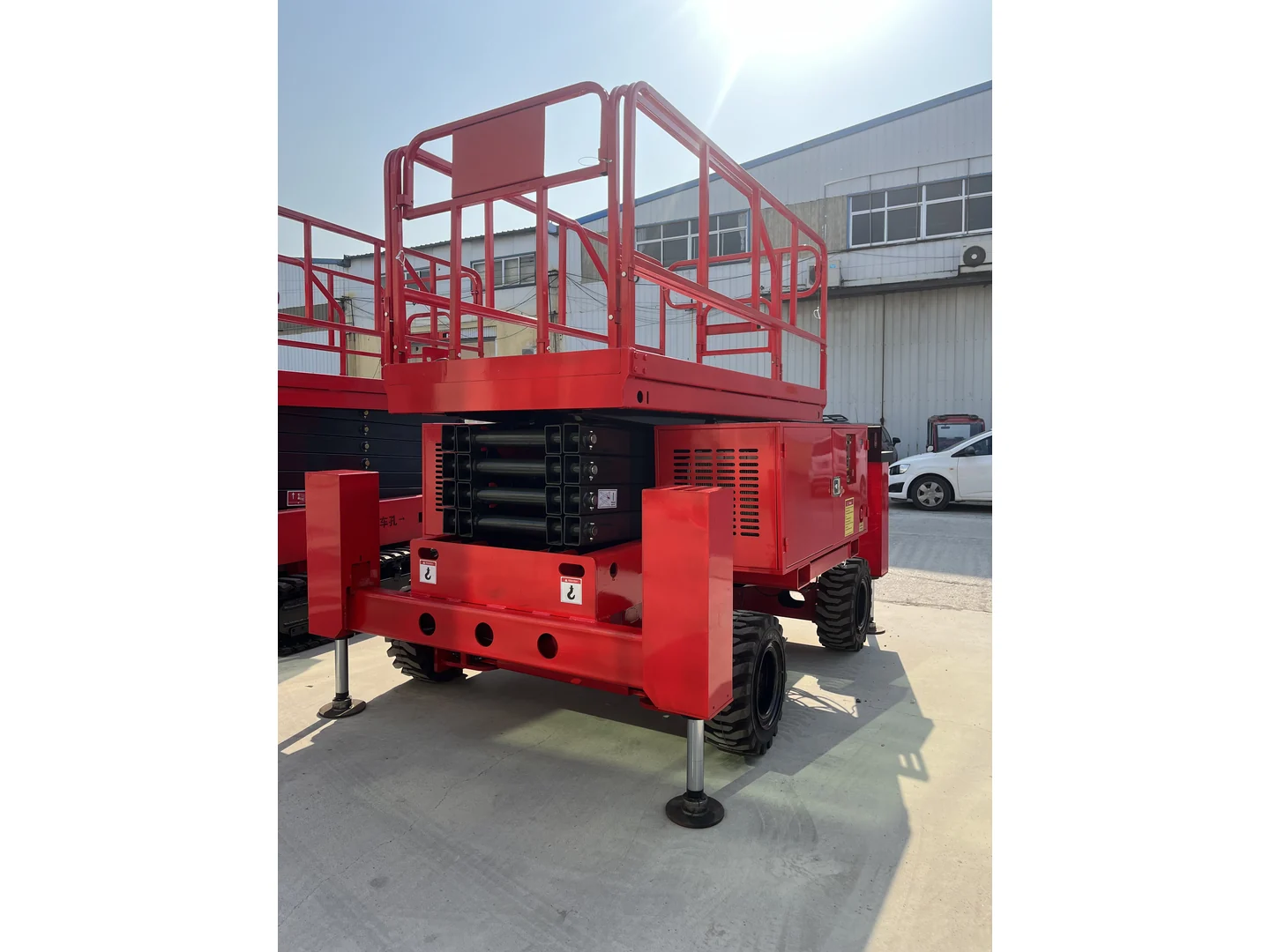
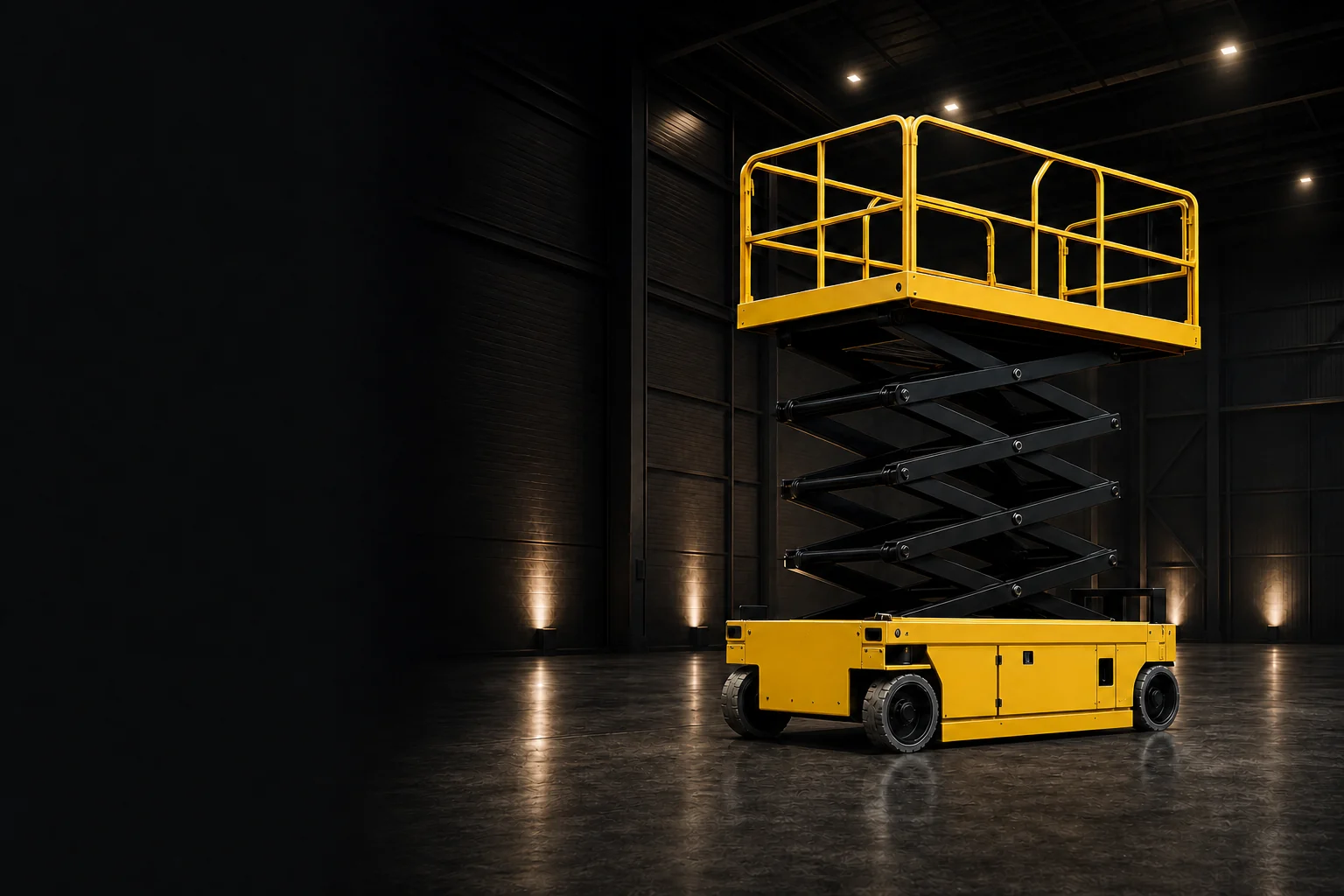
Self-Propelled Scissor Lifts

Complete self-propelled scissor lift in a three-quarter view
Explore category
02 Priority category

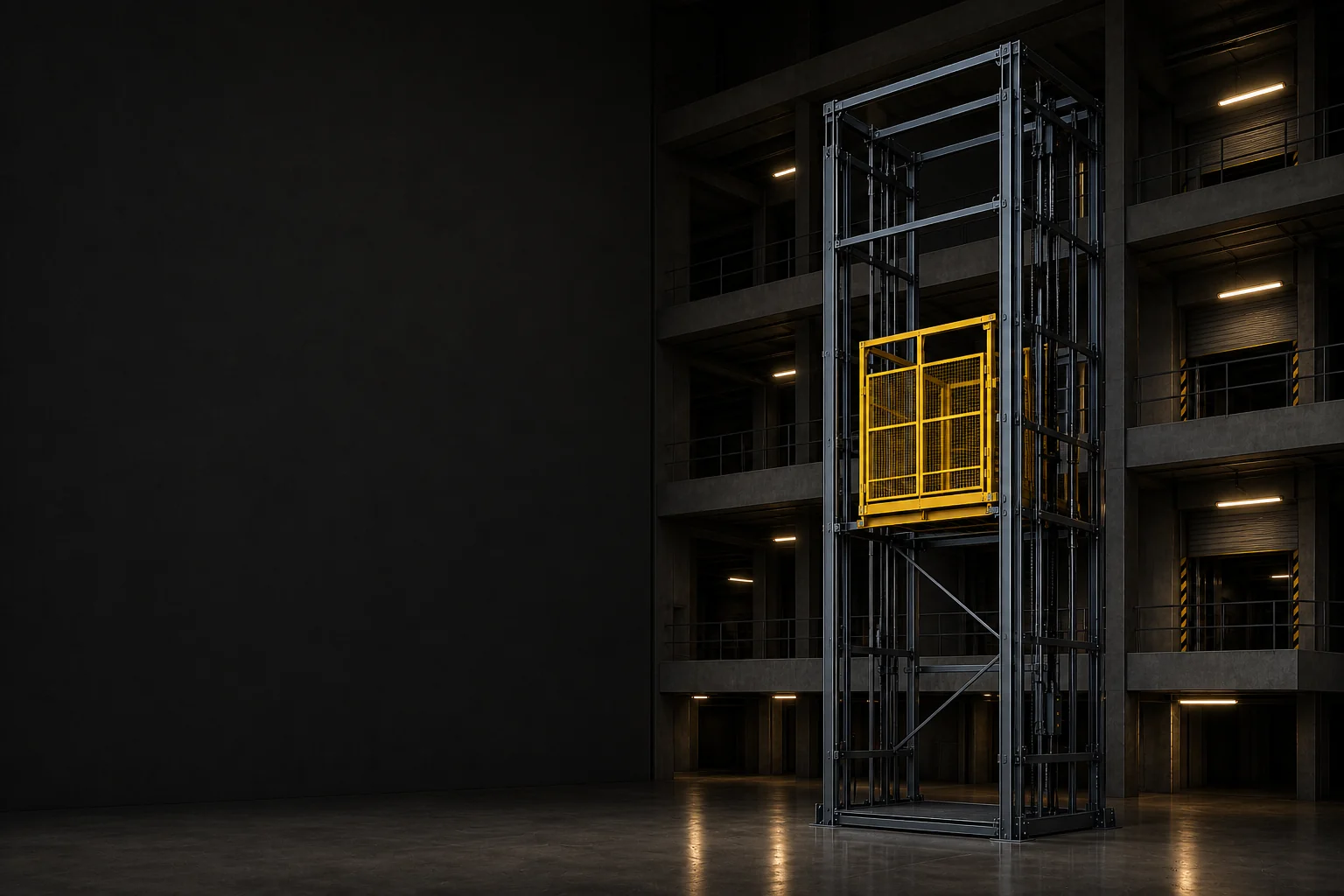
Guide Rail Freight Lifts

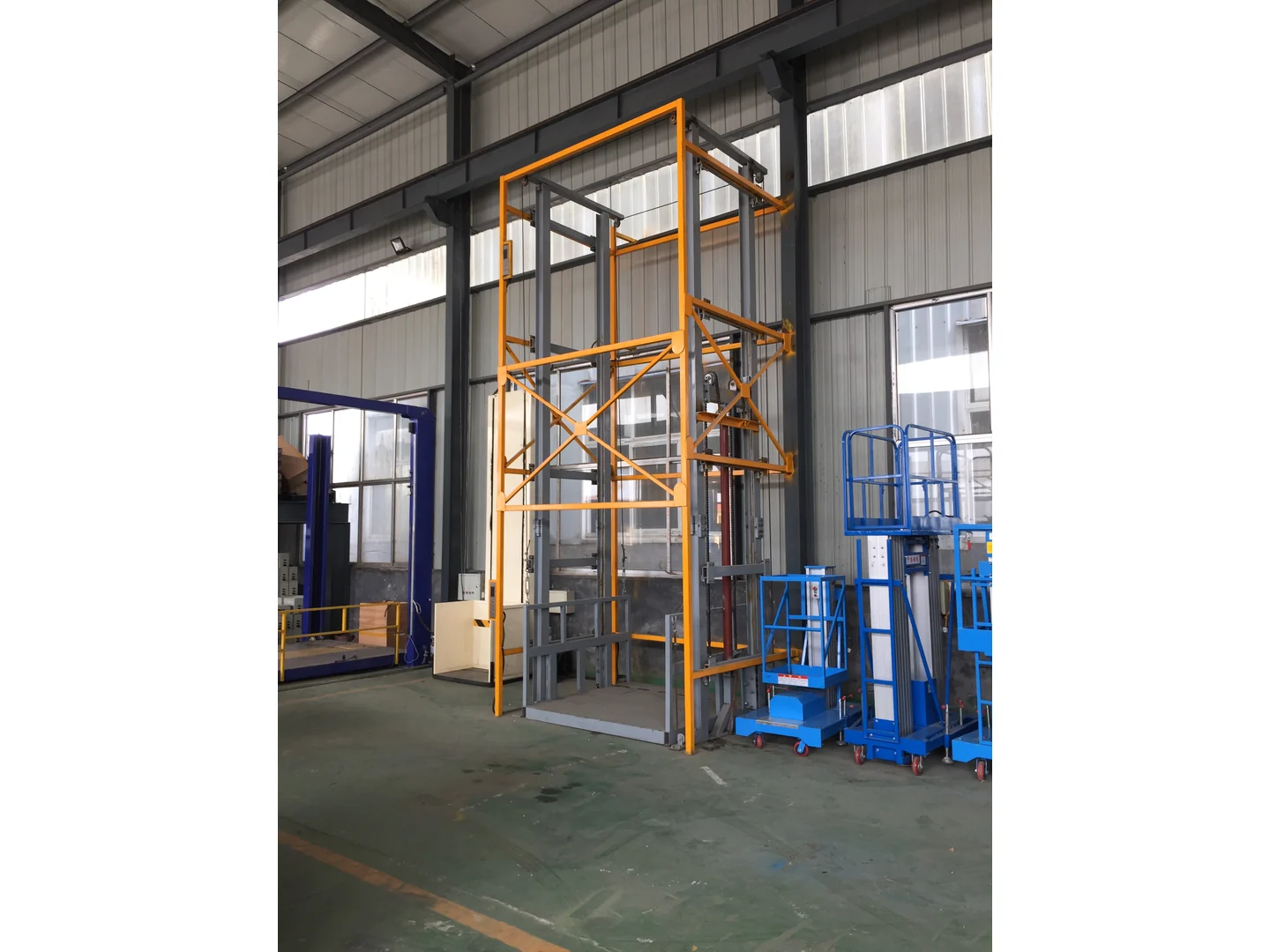
Complete gray and yellow guide rail freight lift structure beside other equipment
Explore category
03 Priority category

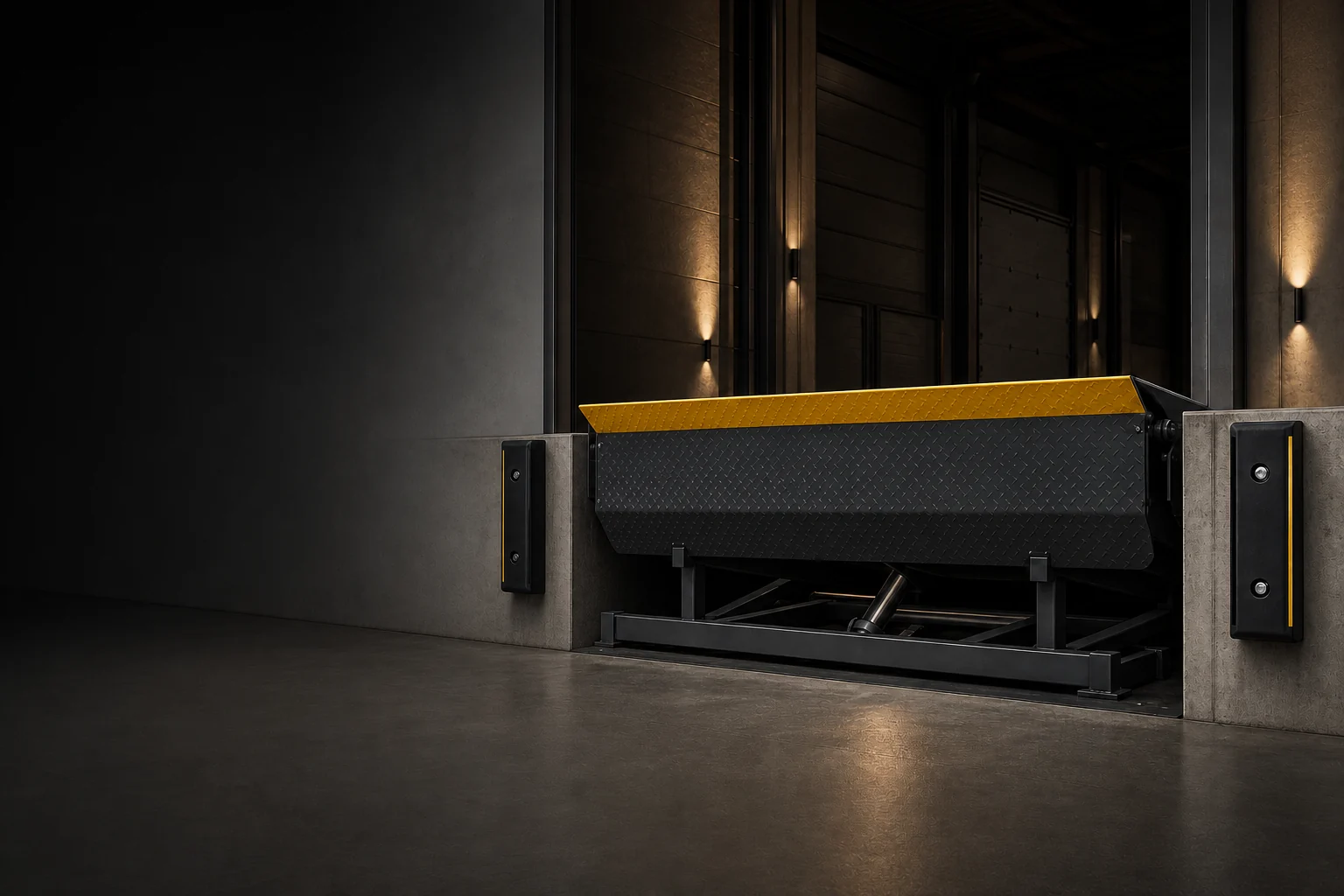
Hydraulic Dock Levelers

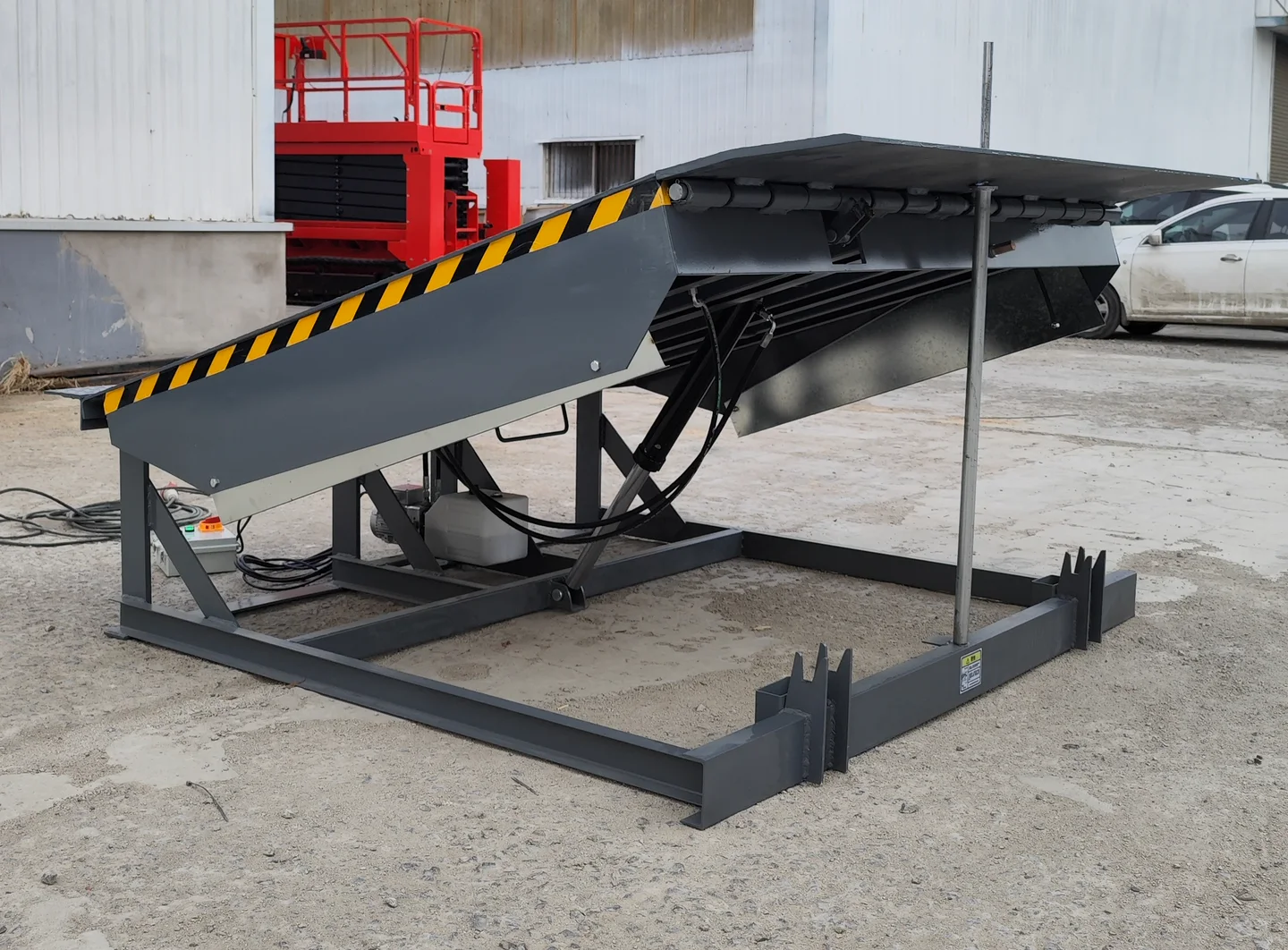
Complete standard fixed hydraulic dock leveler raised in a three-quarter view
Explore category
03 3 groups · 13 families · 5 nested series

Product families

Complete Equipment Range

Browse equipment families organized around aerial access, material handling and dock operations.
01 / 03

Aerial Work Platforms

8 families
  • 01
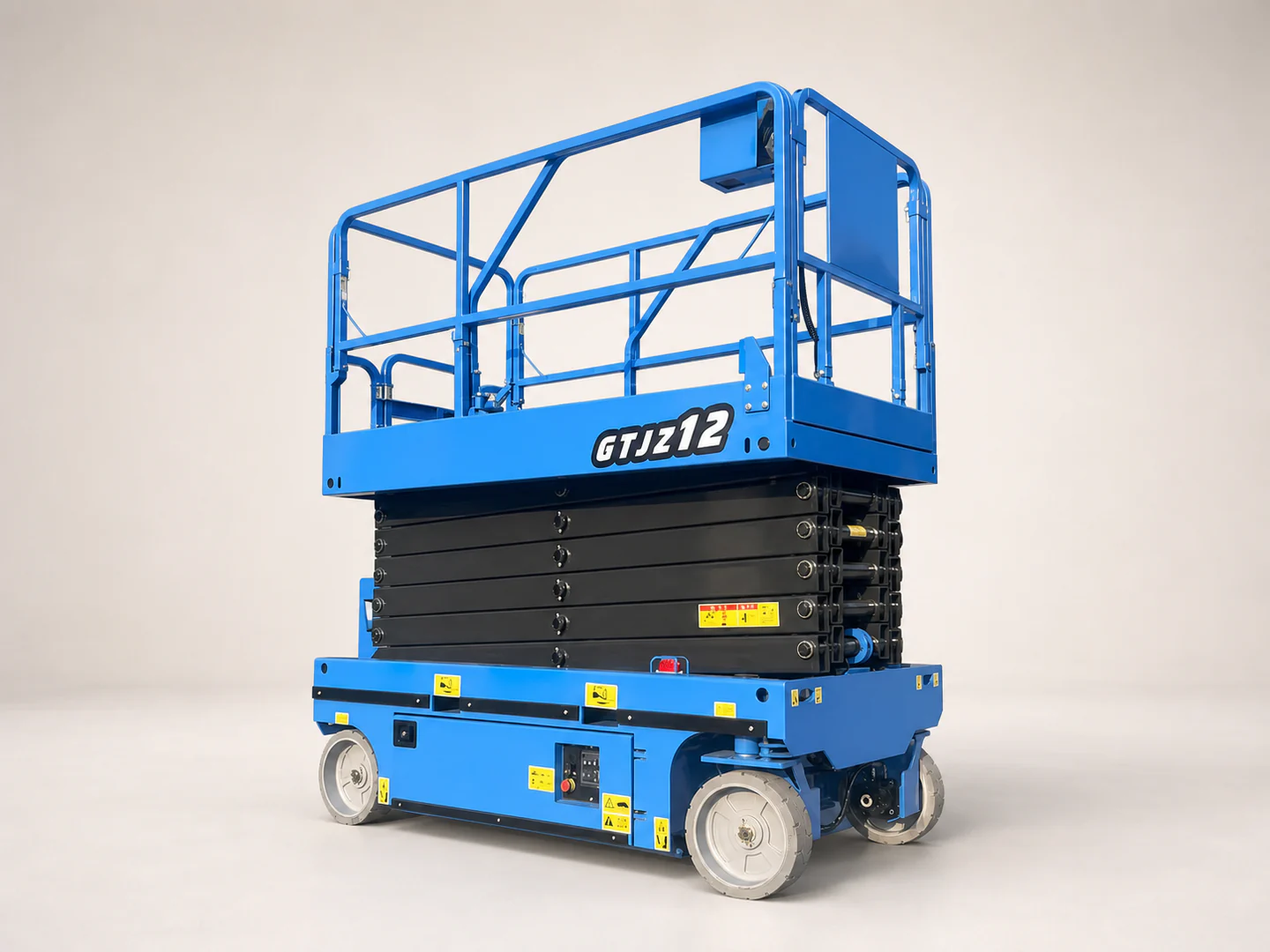
    Complete self-propelled scissor lift in a three-quarter view
    Self-Propelled Scissor Lifts Explore Self-Propelled Scissor Lifts
  • 02
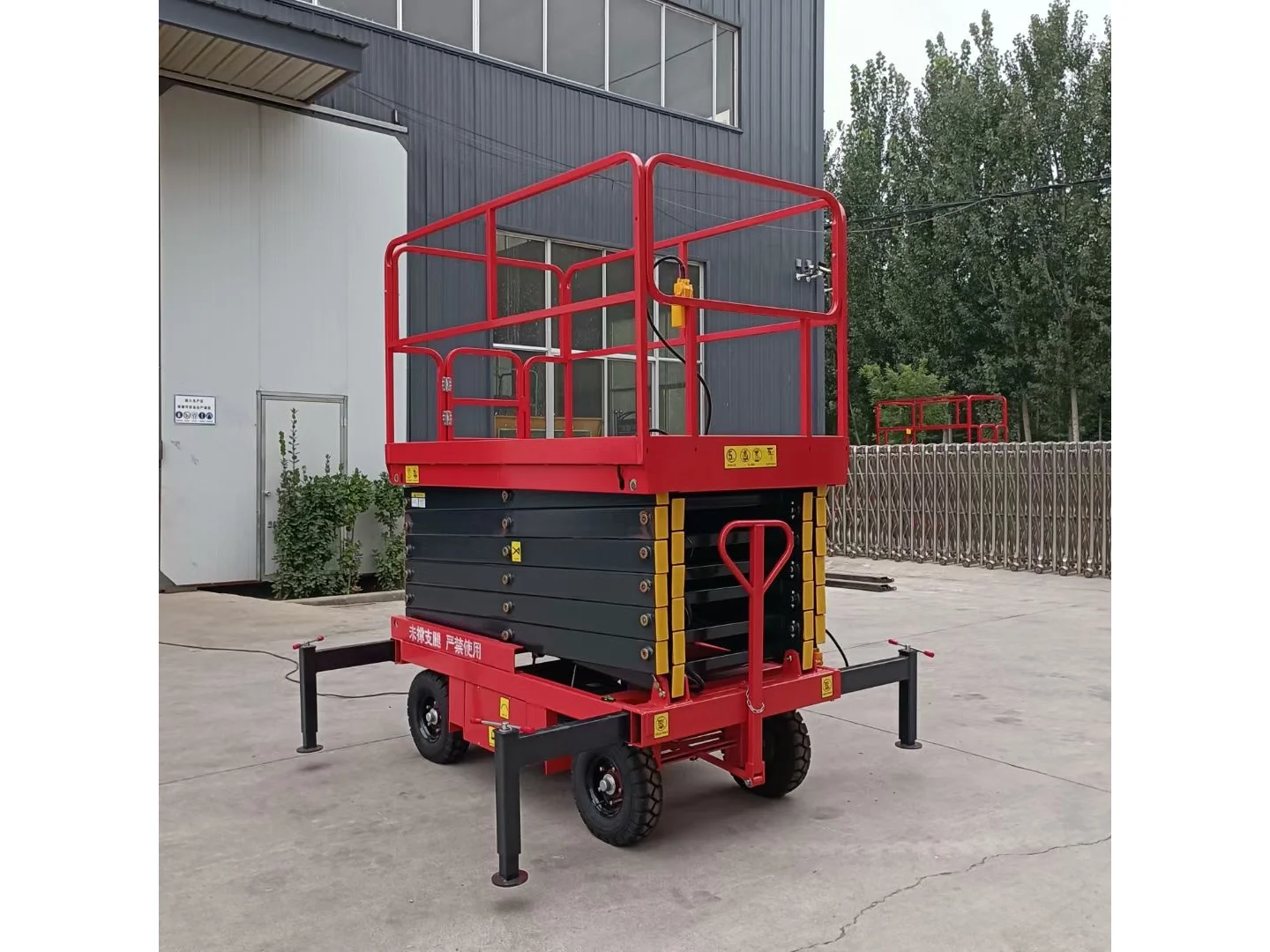
    Complete red mobile scissor lift folded with its wheels and stabilizers visible outside a building
    Mobile Scissor Lifts Explore Mobile Scissor Lifts
  • 03
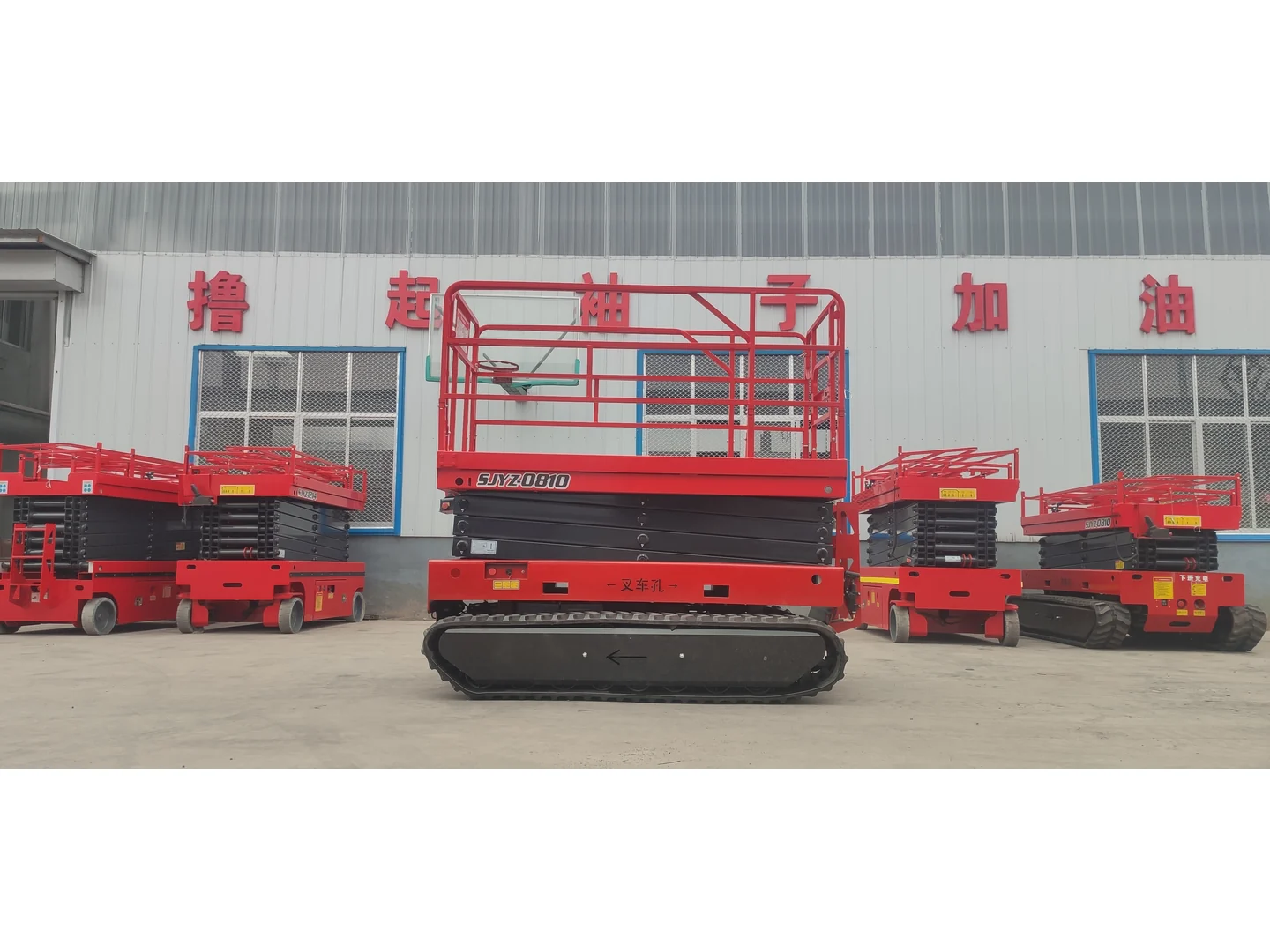
    Complete red crawler scissor lift in a lowered front view, with other equipment in the background
    Crawler Scissor Lifts Explore Crawler Scissor Lifts
  • 04
    Complete red rough terrain scissor lift folded with wheels and stabilizers visible, beside other equipment
    Rough Terrain Scissor Lifts Explore Rough Terrain Scissor Lifts
  • 05
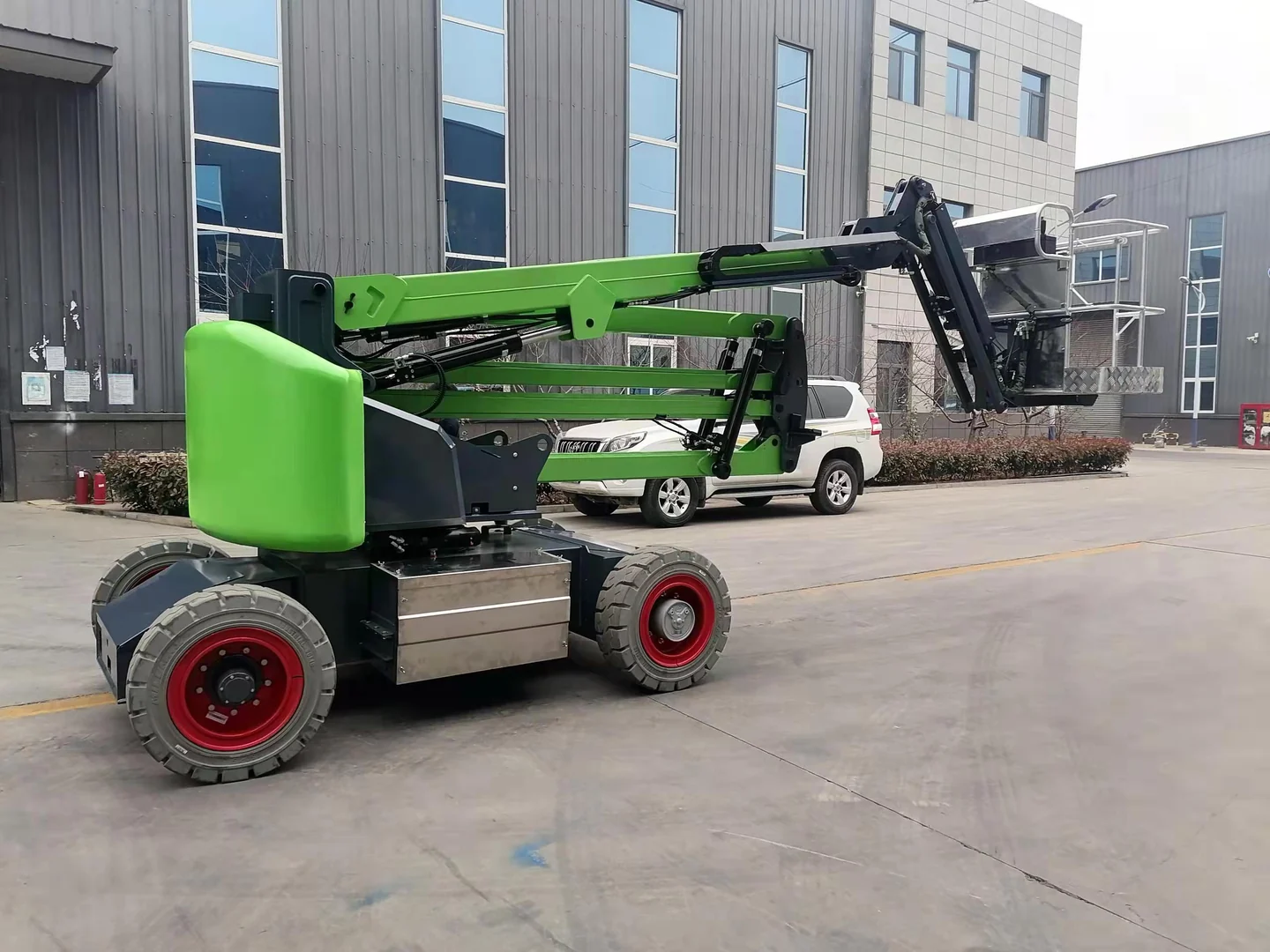
    Complete green self-propelled articulating boom lift folded outside a building
    Boom Lifts Self-Propelled Articulating · Towable Articulating Explore Boom Lifts
  • 06
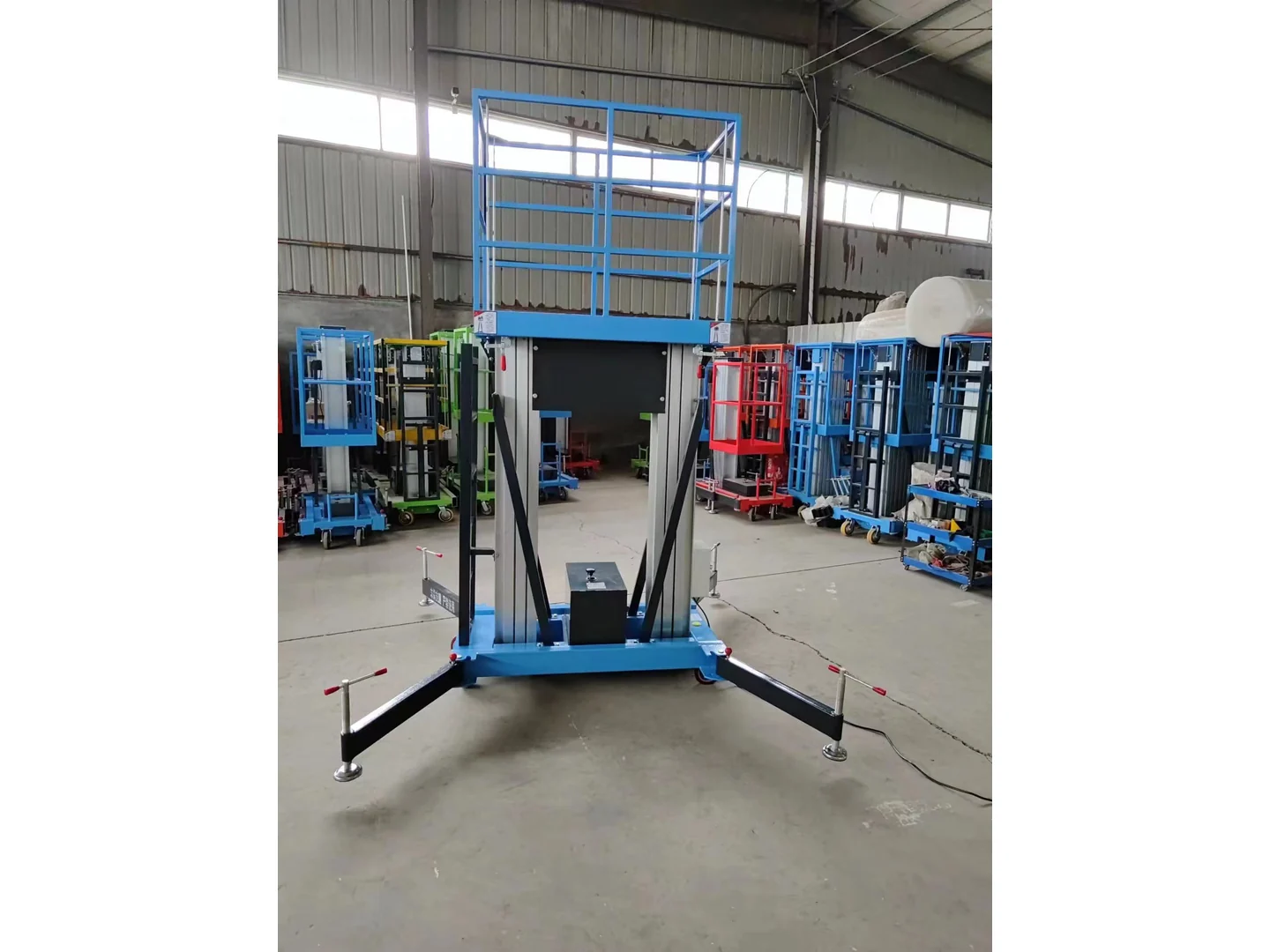
    Complete blue double mast lift lowered with its stabilizers deployed among other equipment
    Aluminum Mast Lifts Single · Double · Multi Explore Aluminum Mast Lifts
  • 07
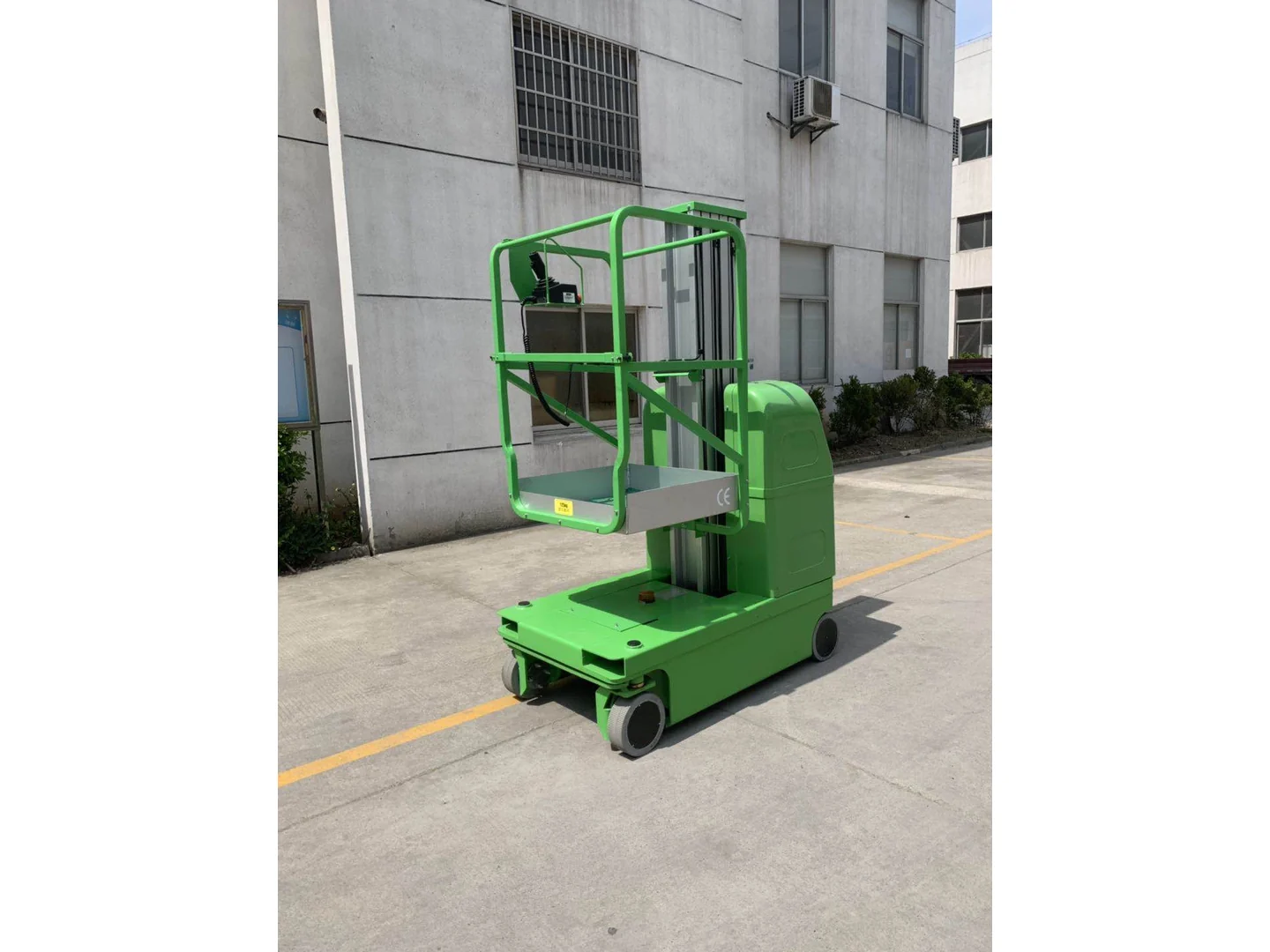
    Complete green self-propelled vertical mast lift lowered outside a building
    Self-Propelled Vertical Mast Lifts Explore Self-Propelled Vertical Mast Lifts
  • 08
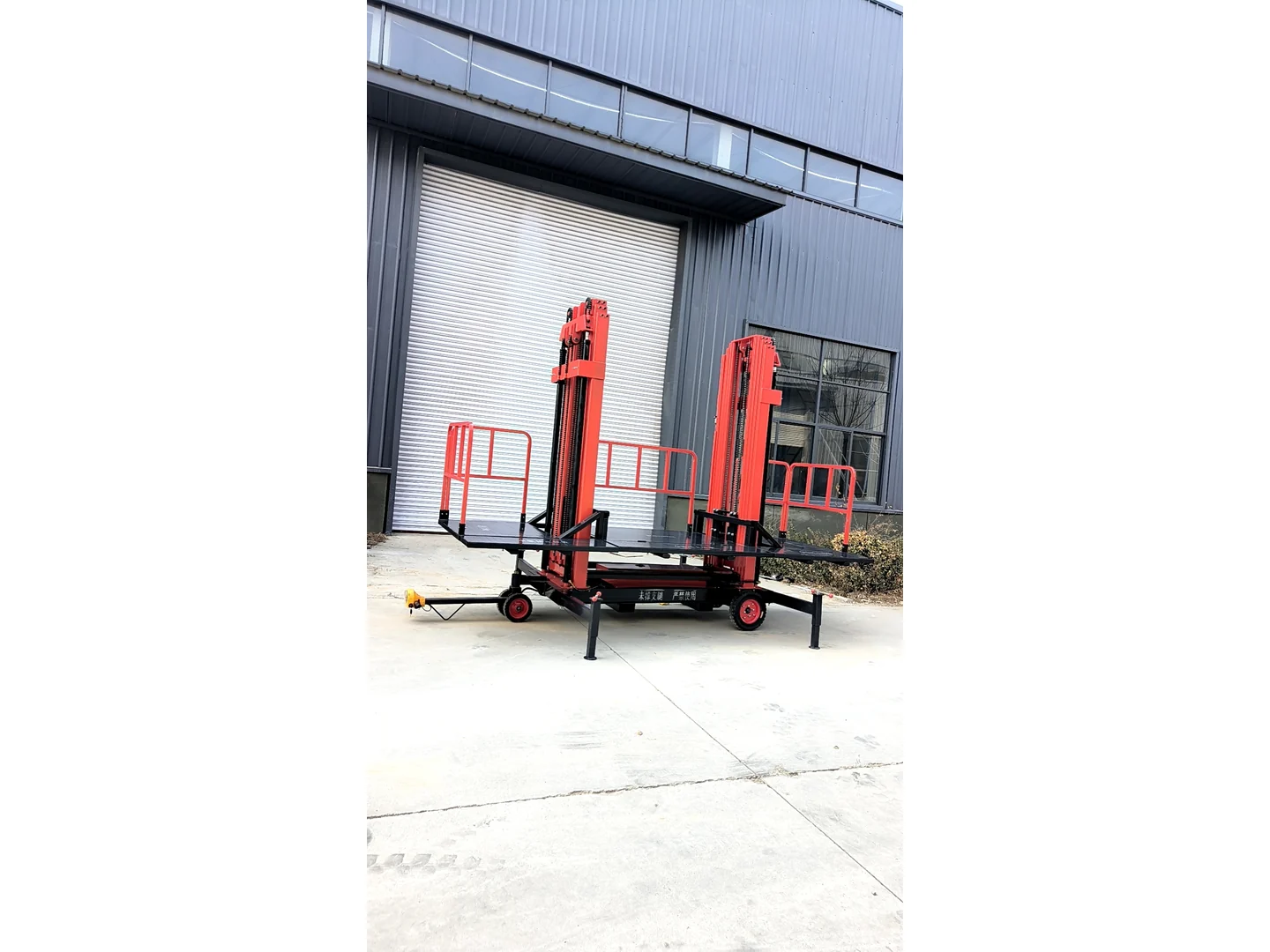
    Complete red twin-mast electric scaffold with platform, tow bar, wheels and stabilizers outside a building
    Electric Scaffolds Explore Electric Scaffolds

02 / 03

Freight & Material Handling

2 families
  • 09
    Complete gray and yellow guide rail freight lift structure beside other equipment
    Guide Rail Freight Lifts Explore Guide Rail Freight Lifts
  • 10
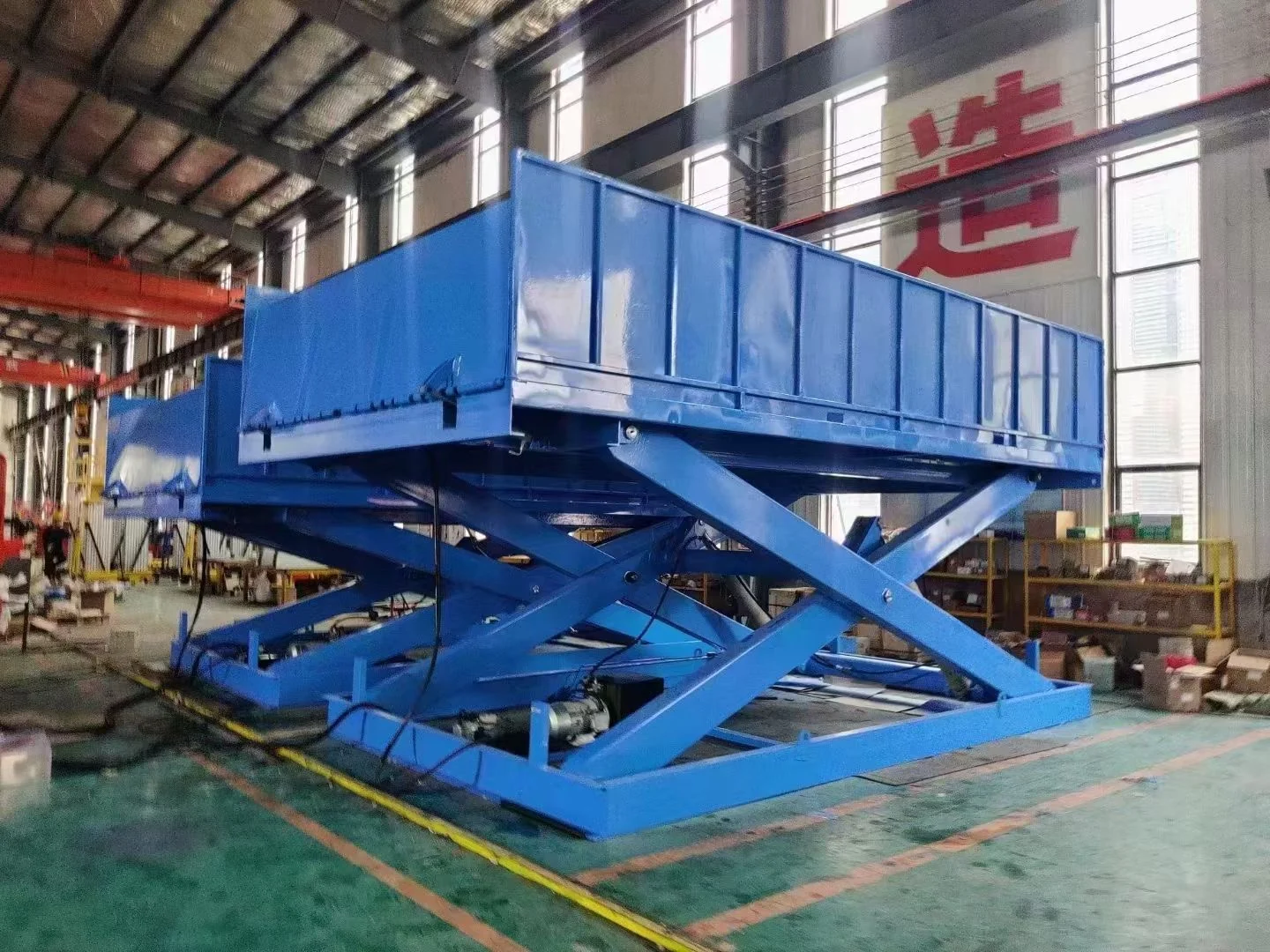
    Complete blue fixed scissor lift table with platform and base visible in a workshop
    Fixed Scissor Lift Tables Explore Fixed Scissor Lift Tables

03 / 03

Dock & Loading Equipment

3 families
  • 11
    Complete standard fixed hydraulic dock leveler raised in a three-quarter view
    Hydraulic Dock Levelers Explore Hydraulic Dock Levelers
  • 12
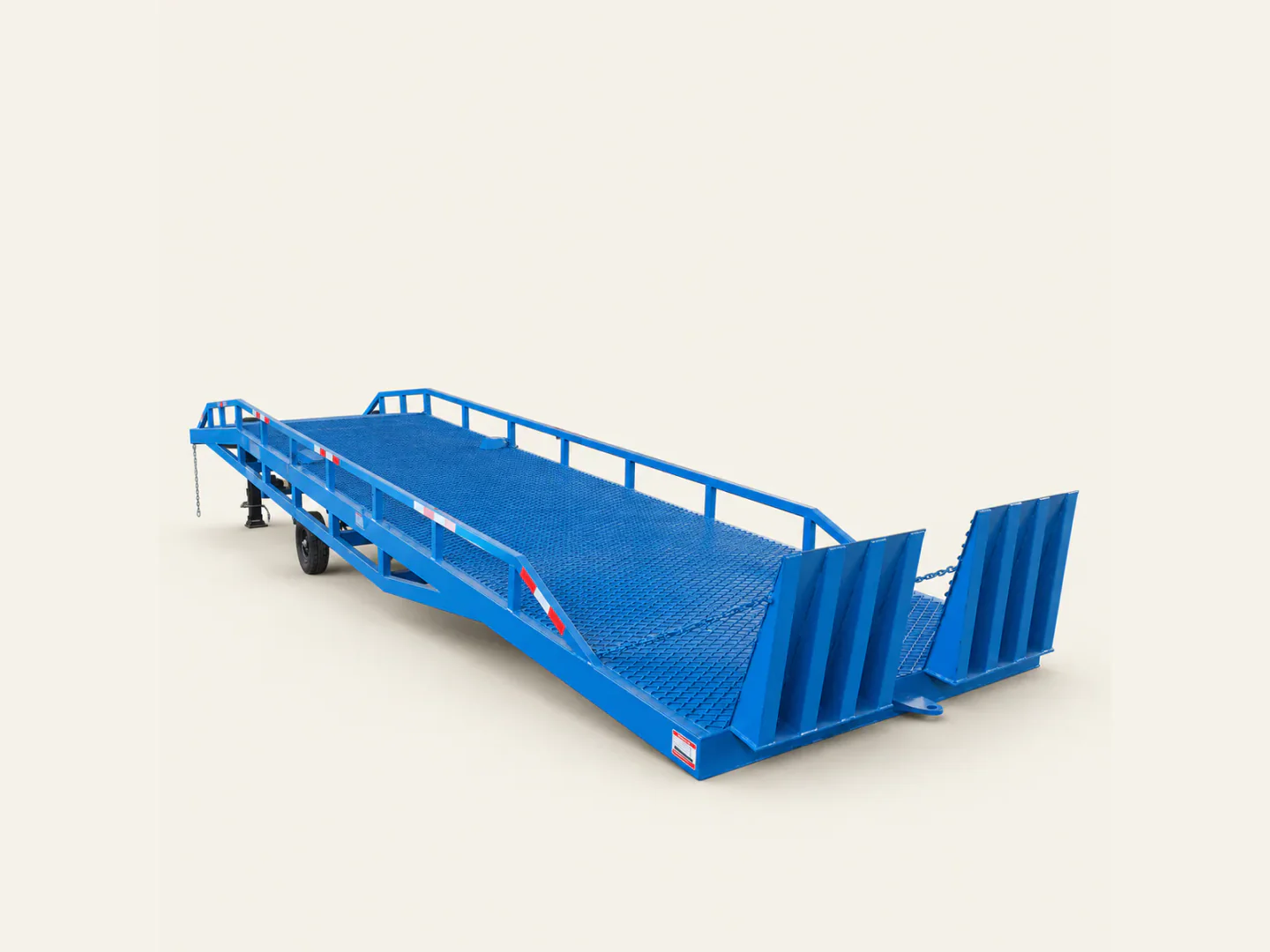
    Complete blue mobile yard ramp in a three-quarter view on a warm off-white background
    Mobile Yard Ramps Explore Mobile Yard Ramps
  • 13
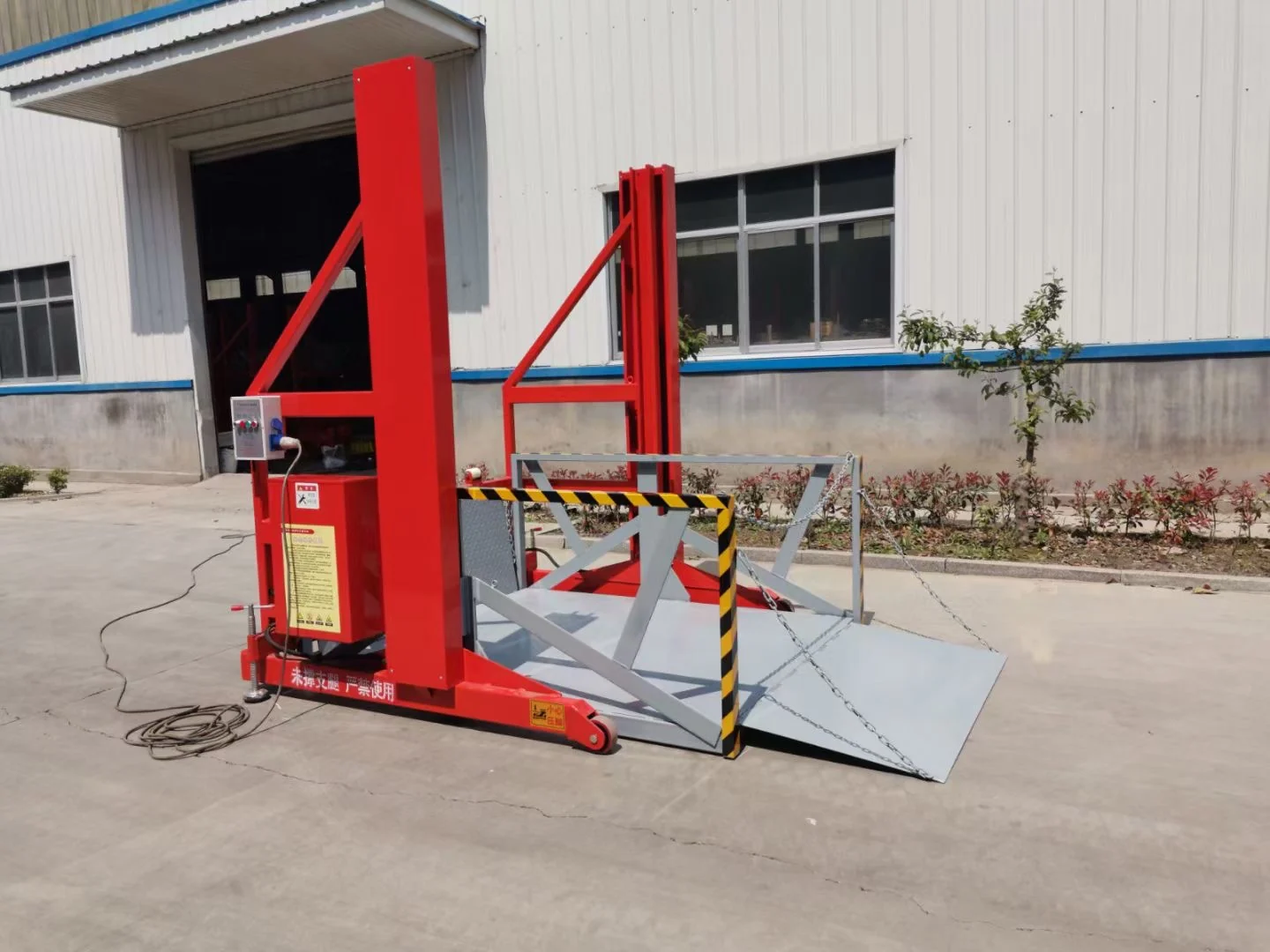
    Complete red loading and unloading platform with its bridge plate open outside a building
    Loading & Unloading Platforms Explore Loading & Unloading Platforms
Complete self-propelled scissor lift in a three-quarter view
Complete gray and yellow guide rail freight lift structure beside other equipment
Complete standard fixed hydraulic dock leveler raised in a three-quarter view

Project information

Prepare the Details Before Selection

Start with the task, site conditions and available project documents before requesting equipment guidance.

  1. 01

    Describe the task

    Start with the movement, access or loading task the equipment needs to support.

  2. 02

    Add the site context

    Share the available dimensions, operating environment and destination details.

  3. 03

    Attach available documents

    Drawings, photos or project notes can be added to the quotation enquiry when available.

Prepare a quotation enquiry

Application paths

Organize the Project by Task

Start from the operating task, then review the relevant equipment family or prepare a quotation enquiry.

Aerial access planning Work at Height Explore path
Material movement planning Between Levels Explore path
Dock interface planning Loading Operations Explore path

06 Buyer questions

Questions before you enquire

Use these answers to choose a product path and prepare the information you already have. Product suitability and commercial terms require a separate review.

Open quick enquiry

Which equipment path should I start with?

Start with Aerial Work Platforms when the question is access to a work point. Start with Freight & Material Handling when the question is a vertical freight route or a material-transfer task. Start with Dock & Loading Equipment when the question is the interface between a dock, vehicle and handling route. These are catalog paths, not a final equipment selection.

Can I send an enquiry before I know the model?

Yes. Product interest is optional in the quick enquiry and Contact form. Describe the task and the site information you already know. The full Quote form requires a product-interest selection and project details, but you can identify unknown technical items in your message.

What information should I prepare for a quotation enquiry?

Start with the task, the planned load or personnel context, the work point or transfer route, the site and access conditions, your destination, and a contact method. Add a model reference, dimensions, quantity, technical requirements or files when available.

Can I attach photos or documents?

The quick enquiry does not include file uploads. The full Quote form accepts up to three PDF, JPG or PNG files, with a limit of 10 MB per file. CAD files, executable files and encrypted PDFs are not accepted.

What is the difference between a quick enquiry and Request a Quote?

Use the quick enquiry or Contact page for a concise question. Use Request a Quote when you are ready to choose a product-interest category, enter project details or add supported files.

Where can I compare product details or models?

Open the relevant family page from the product directory. Product definitions, available model information and field explanations are provided on the relevant family page. If a detail is not shown, include it as an open question in your enquiry.

How should I read platform height and working height?

When a product page lists both fields, keep each label and unit with its own value. Do not treat one as a replacement for the other or apply a fixed conversion. Use the explanation on the relevant family page and describe the platform position and actual work point in your enquiry.

What should I measure before comparing equipment?

Record the narrowest clear width and height along the access route, turns and thresholds, the available work or installation space, the planned load, the required movement or work point, and the site power context. The relevant family page may ask for additional measurements.

Project enquiries

Planning a lifting or loading project?

Share the application, destination and available technical documents through the quotation form.

Quick enquiry Full quote